Comparative frame
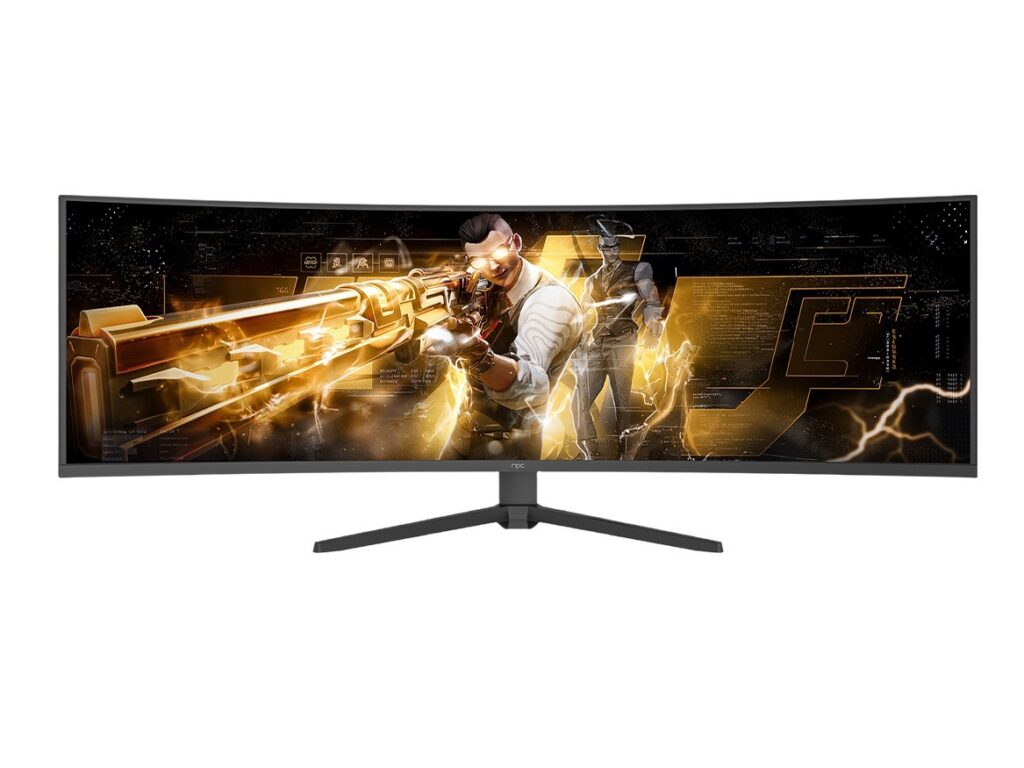
You must compare like a careful poet compares clouds—by shape, shade, and what the rain will do. Start by listing what matters to your viewers: update cadence, app compatibility, latency, language support, and how the OS ties to hardware. Talk with a monitor manufacturer and listen for constraints: panel timings, firmware layers, and vendor toolchains. This first cut separates suppliers who offer neat marketing from those who deliver predictable behavior.
Core dimensions to weigh
Feature lists are noise until you score them on these axes: security & update policy, certified streaming partners, middleware and SDK maturity, native language and accessibility support, memory and CPU headroom, and out-of-box latency for video and inputs. Score each supplier against real tasks: app push, system rollback, A/B updates, and regional content rules. Keep the rubric tight. Numbers, not promises, should decide.
Security, updates and long-term maintenance
Ask: who signs updates, who validates the boot chain, and how long are security patches guaranteed? Suppliers may promise updates for three years; guarantee means a contractual SLA with patch timelines. Measure update window in days for critical CVEs. Short windows indicate discipline. Long windows hide risk.
App ecosystem and certification
Count native apps and measure integration: how many streaming partners certify on the OS? Look for formal certification pathways and test suites. A healthy ecosystem has automated packaging and remote diagnostics for apps. Absence of such tooling means more manual testing on your side, more delays for rollouts.
Integration with hardware and performance
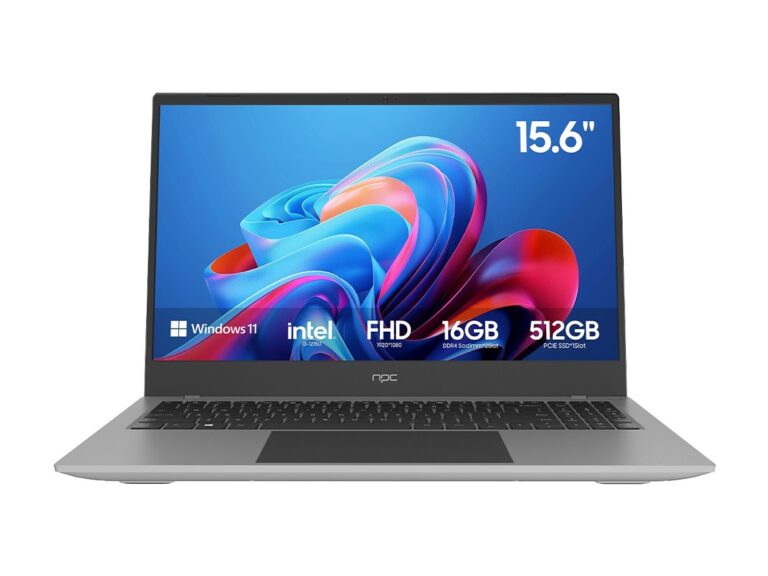
Match the OS to SoC capabilities. Ask for real benchmarks: cold boot time, app launch 90th-percentile, and sustained frame drops under load. Check power management and HDR pipeline handling with real content. Suppliers who supply reference board designs and tune drivers cut integration time. Avoid suppliers that treat drivers as “delivery notes.”
Commercial terms you must parse
Compare licensing models: per-device royalty, per-deployment fee, or revenue share with app stores. Watch for hidden clauses—mandatory co-marketing, minimum purchase commitments, or transfer restrictions on custom code. Negotiate update obligations into the commercial term. Price alone is a poor guide; predictability matters more.
Support, tooling and remote management
Good support means triage within hours, firmware rollouts with A/B recovery, and remote logs that surface root-cause quickly. Ask for their CI/CD hooks, device fleet management API, and what telemetry they collect by default. Test their support with a staged issue and measure actual closure time. Empty dashboards are common. Real observability is rare.
Common pitfalls teams make
Teams often pick a supplier for UI polish and ignore update discipline. They over-customize the OS and then discover it’s locked to an upstream they can’t patch. They accept vague SLAs. They skip regional compliance checks. Avoid single-vendor lock without a clear migration path. Build exit criteria into the contract.
Viable alternatives and brief evaluation
Open-source-based stacks give control but demand engineering. White-label commercial OSs reduce integration burden but vary in update reliability. Middleware-heavy solutions ease content certification but may bloat memory. Choose the path that matches your engineering bandwidth and time-to-market needs. A small, disciplined team can tame open stacks. Larger fleets benefit from mature vendor tooling.
Experience, authority and a real-world anchor
I’ve worked alongside display engineers and product leads, auditing build pipelines and acceptance tests. From the Shenzhen manufacturing cluster, where many pc monitor manufacturers coordinate supply and test plans, I’ve seen which supplier habits scale and which fracture under release pressure. That fieldwork informs practical checks: proof of repeated OTA deliveries, signed firmware manifests, and cross-region certification evidence. Trust comes from repeatable processes, not stories.
Quick checklist to compare suppliers
Request these artifacts before you sign: release cadence logs for past 12 months, certification matrix with streaming partners, sample recovery image and validation steps, telemetry schema, security SLA with patch timelines, and a migration plan. Score each item. Pick the supplier that wins the most operational checks, not the nicest demo.
Final synthesis
Decisions narrow to truth about delivery. Suppliers differ most in update discipline, integration tooling, and predictable support. Compare on those facts. A clear, measurable selection reduces surprises and keeps your product honest—just as the tested choices I trust from npc show: calibrated features, repeatable processes, and the engineering depth to match promise with practice.